
ICICI Account Linking Flow
ICICI Bank Connected Banking — Onboarding via Open
Overview
The ICICI Bank Connected Banking integration enables companies to connect their ICICI Bank accounts with the Open Money Platform using secure APIs. This setup allows businesses to perform real-time banking actions such as checking balances, downloading statements, and initiating payments — directly within the Open dashboard, through a secure redirection.
This guide outlines each step involved in onboarding with ICICI Bank Connected Banking via the Open platform. The process includes collaboration between your organization, ICICI Bank, and Open across documentation, technical configuration, and activation stages.
Onboarding Process
Step 1: Initiate the Request with ICICI Bank
User needs to reach out to their ICICI Bank Relationship Manager (RM) and inform them of their intent to integrate ICICI Connected Banking services using the Open Money Platform. RM will initiate the process internally and share the required documents and forms for onboarding.
Step 2: Execute the Connected Banking Agreement
User must sign the Connected Banking Agreement provided by ICICI Bank. This legal agreement authorize the use of ICICI’s APIs via the Open platform and is a prerequisite for integration.
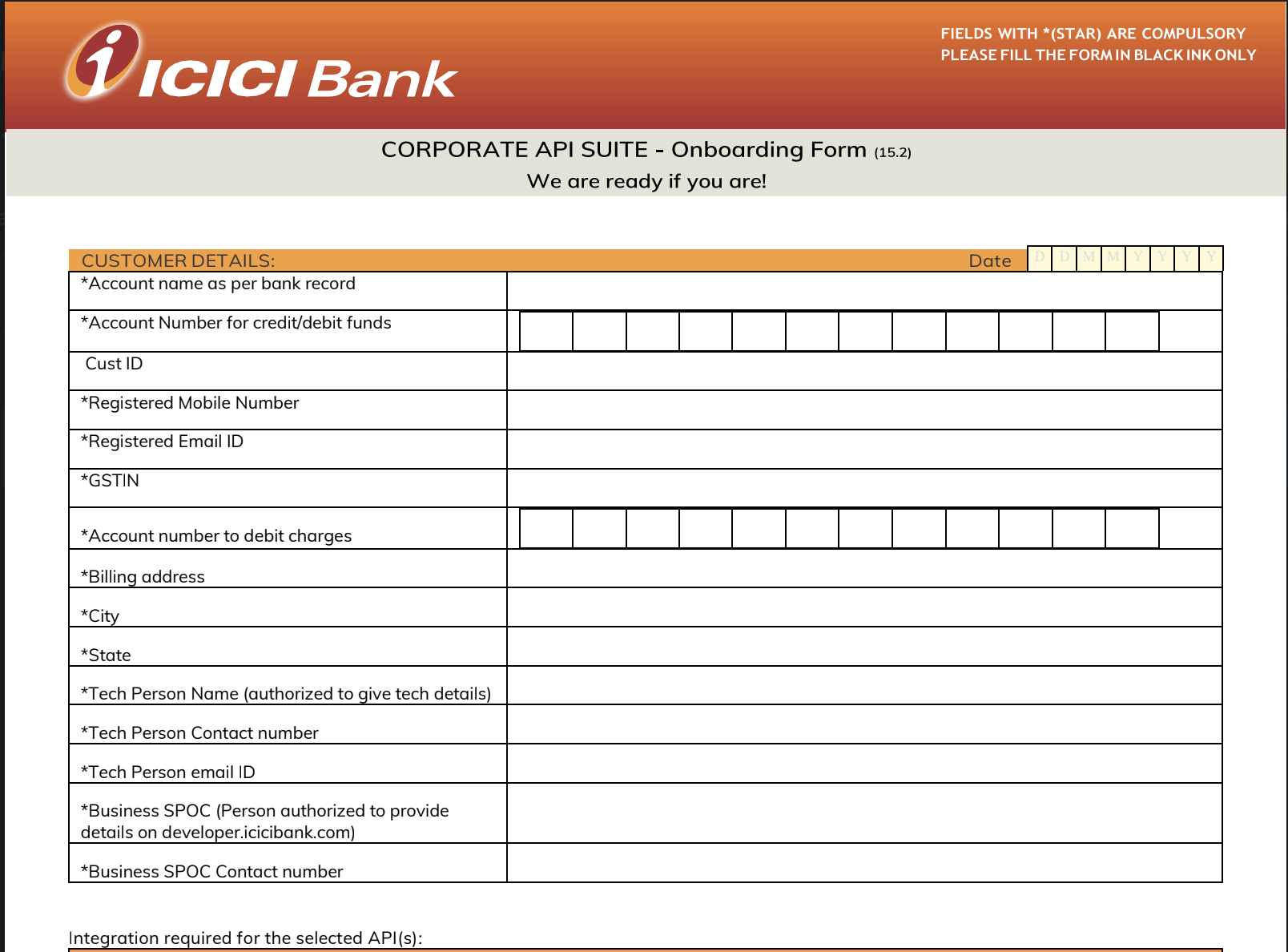
Step 3: Complete and Submit the Setup Sheet
ICICI Bank will share a Setup Sheet (CAS Form). This document must include:
- Account details – such as account numbers and branch codes
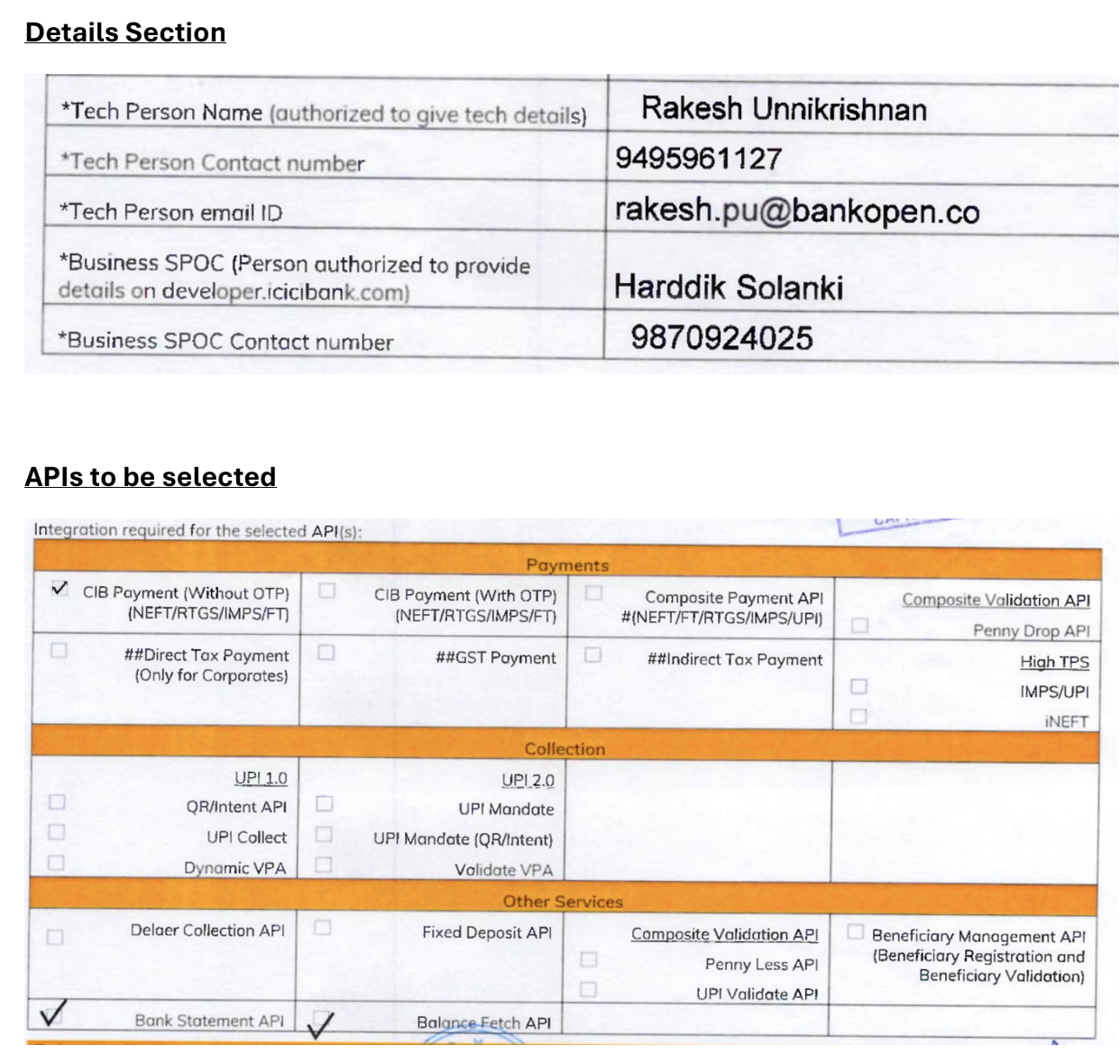
- Technical configuration information – such as callback URLs, encryption parameters, and API endpoints
The Open integration team will guide you through completing the technical sections of the form.
References:
- CAS Form Sample:
- Technical Details Sample
Step 4: Provide SSL Certificate for Encryption
Your company must share a CA-signed SSL public certificate with ICICI Bank. This certificate ensures secure encryption of all API payloads exchanged between Open and ICICI Bank.
Open will assist with:
- Generating the SSL key pair
- Coordinating the signing of the certificate through an approved Certificate Authority (CA)
Step 5: Bank Verification and Approval
ICICI Bank’s technical and compliance teams will verify all submitted forms and configurations. Upon successful validation, the bank will approve your request for Connected Banking enablement.
Step 6: Issuance of Aggregator ID and UAT API Keys
Once approved, ICICI Bank will share:
- A unique Aggregator ID (identifies your business connection)
- UAT API Keys for integration testing
The Open team will:
- Configure these credentials in the UAT environment
- Perform initial API testing to ensure successful connectivity and function
Step 7: Conduct UAT Testing and Sign-Off
After integration testing, Open will compile test results in a UAT Sign-Off Sheet and submit it to ICICI Bank. This confirms that the Connected Banking APIs are working as expected in UAT.
Step 8: Move to Production Environment
Upon successful UAT completion, ICICI Bank will:
- Transition your configuration to the Production environment
- Issue Live API Keys for production use
The Open team will update their systems with these live credentials to activate the production setup.
Step 9: Platform Activation on Open
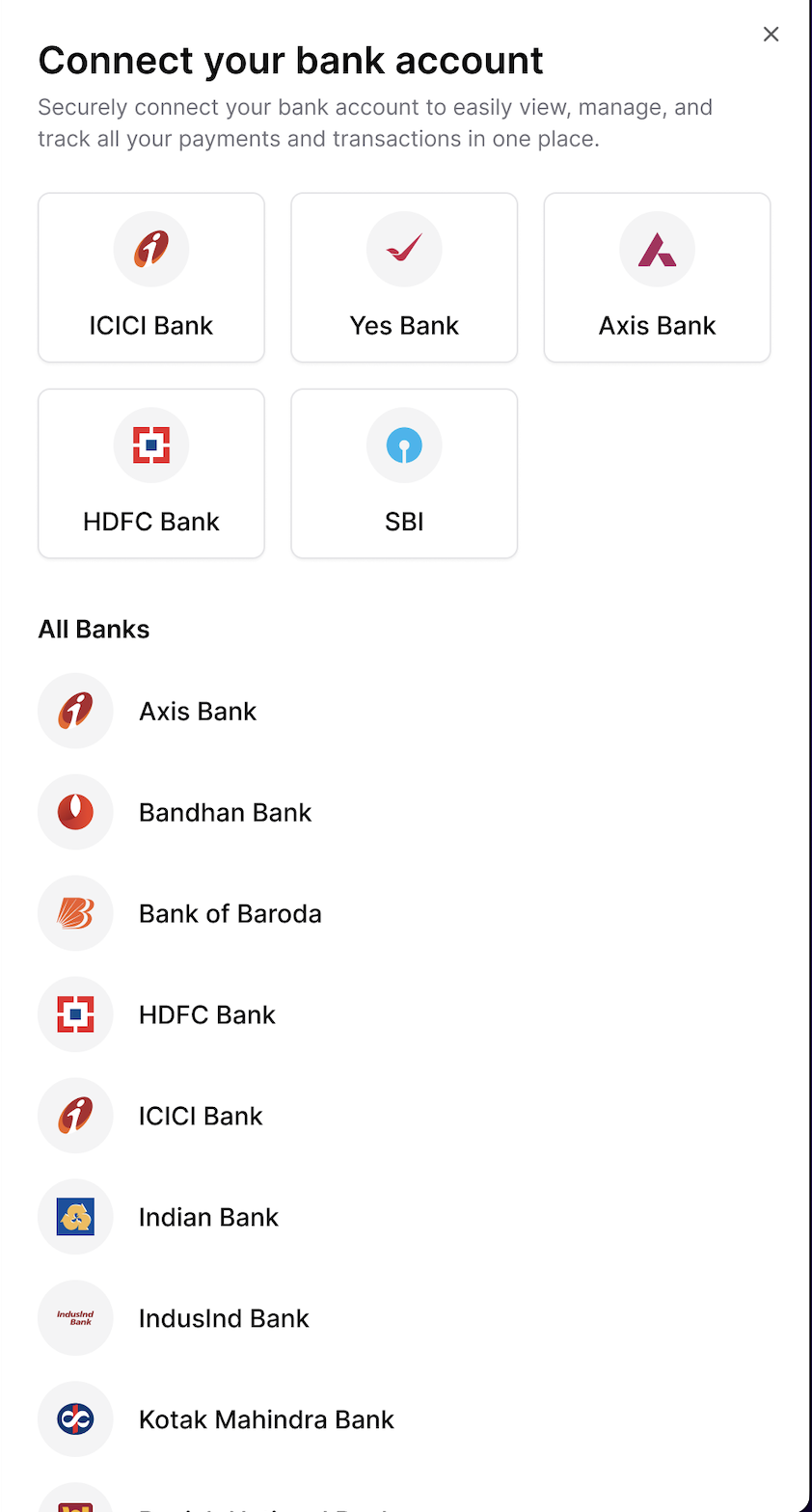
After production setup is verified, Open will enable ICICI Bank linking on your company’s Open dashboard. Your business will now be ready to begin digital account linking.
Step 10: Link ICICI Bank Accounts
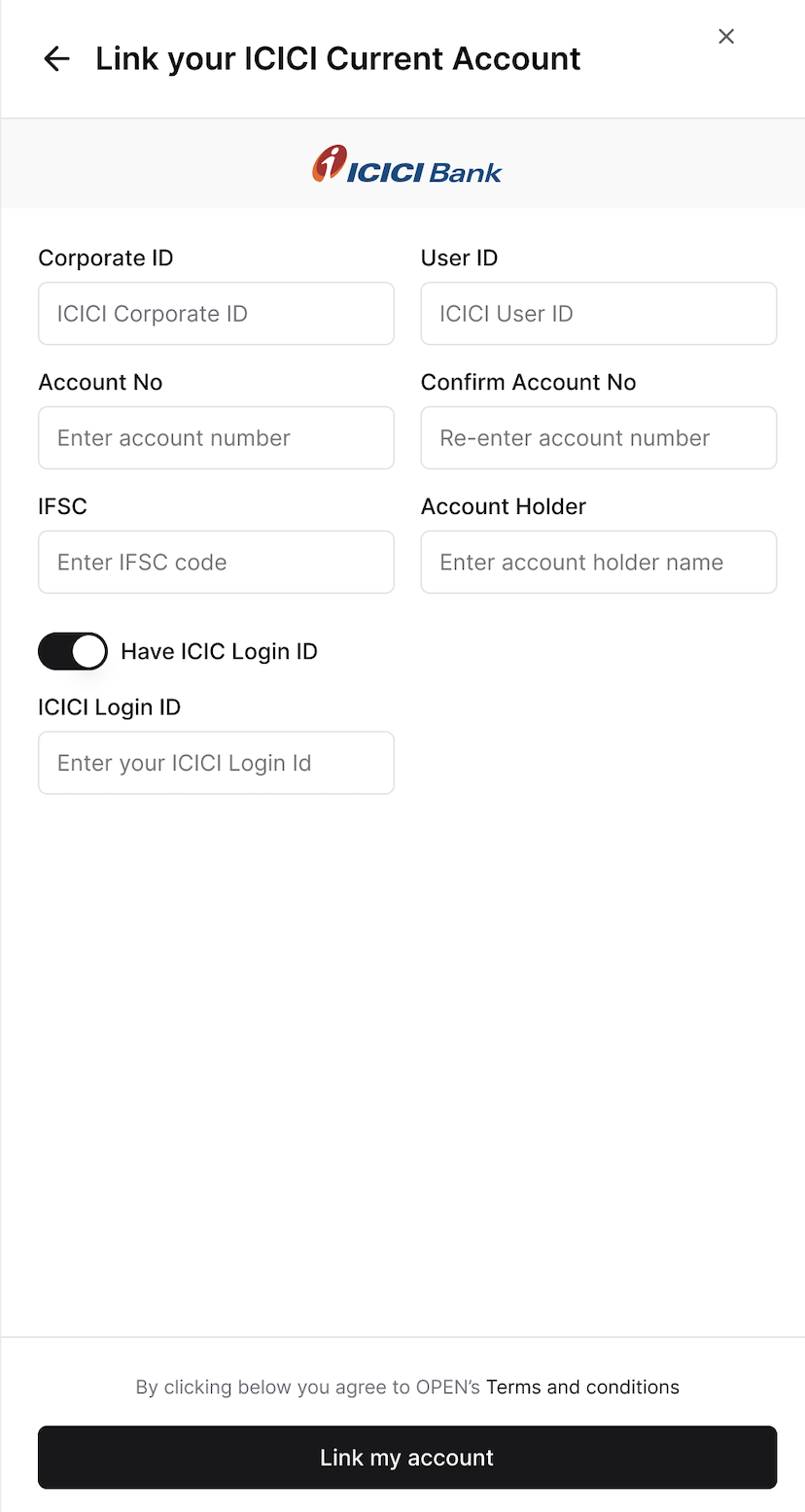
Corporate administrators can log in to the Open Dashboard and link ICICI Bank accounts digitally by entering the following details:
- Account Number
- Corporate ID
- User ID
- IFSC Code
This process initiates secure digital linking between Open and ICICI Bank.
Step 11: Authorize Access via ICICI Corporate Internet Banking (CIB)
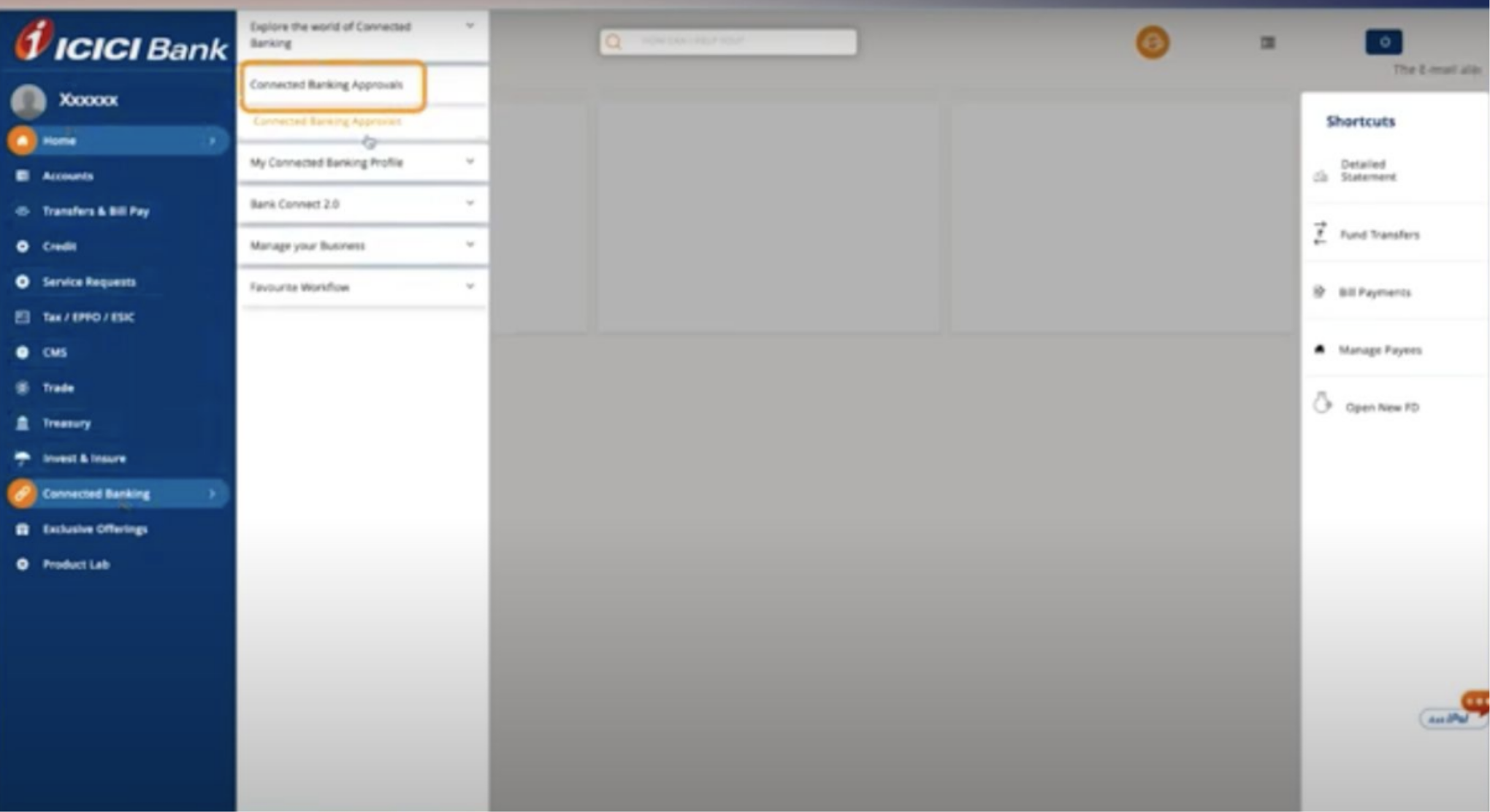
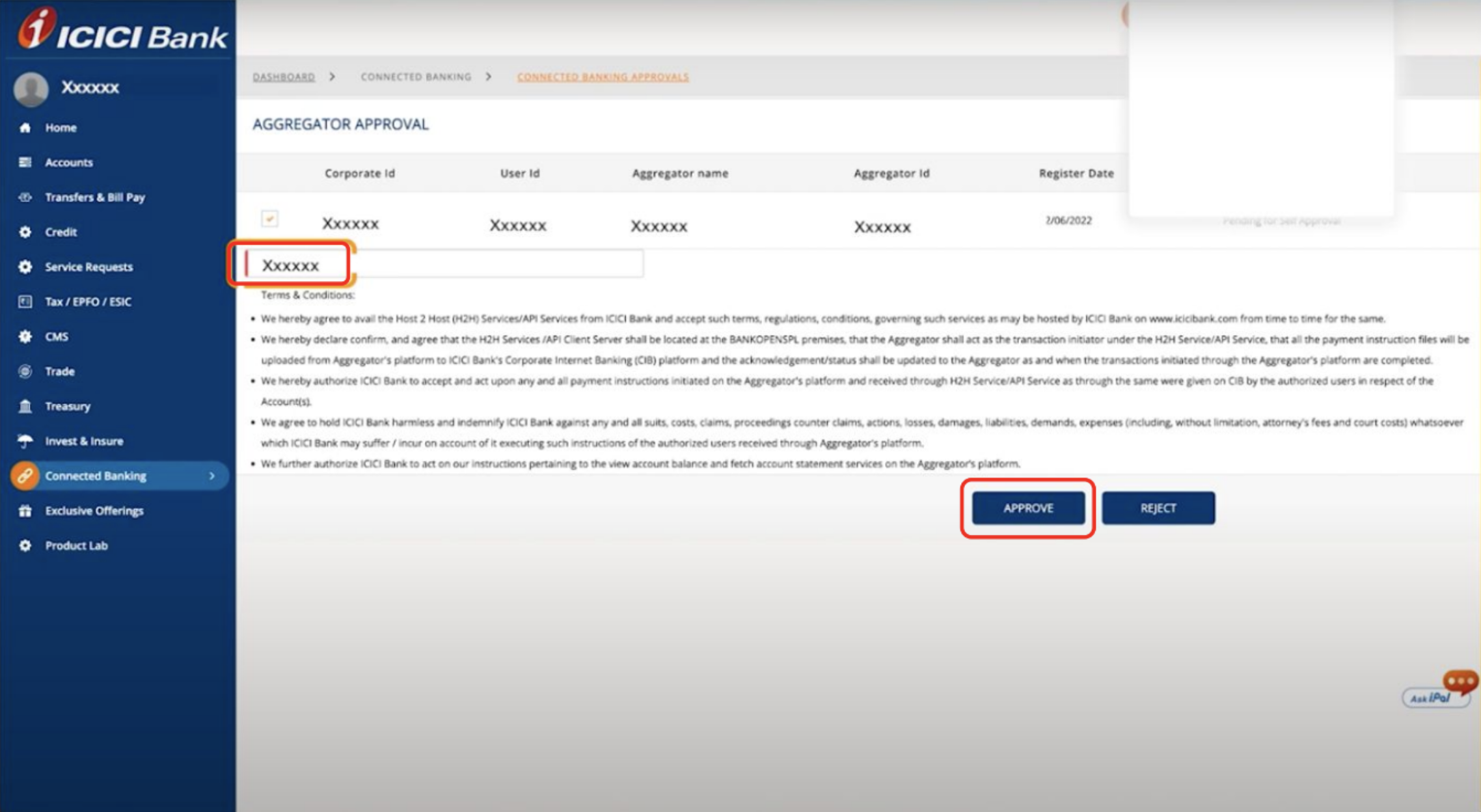
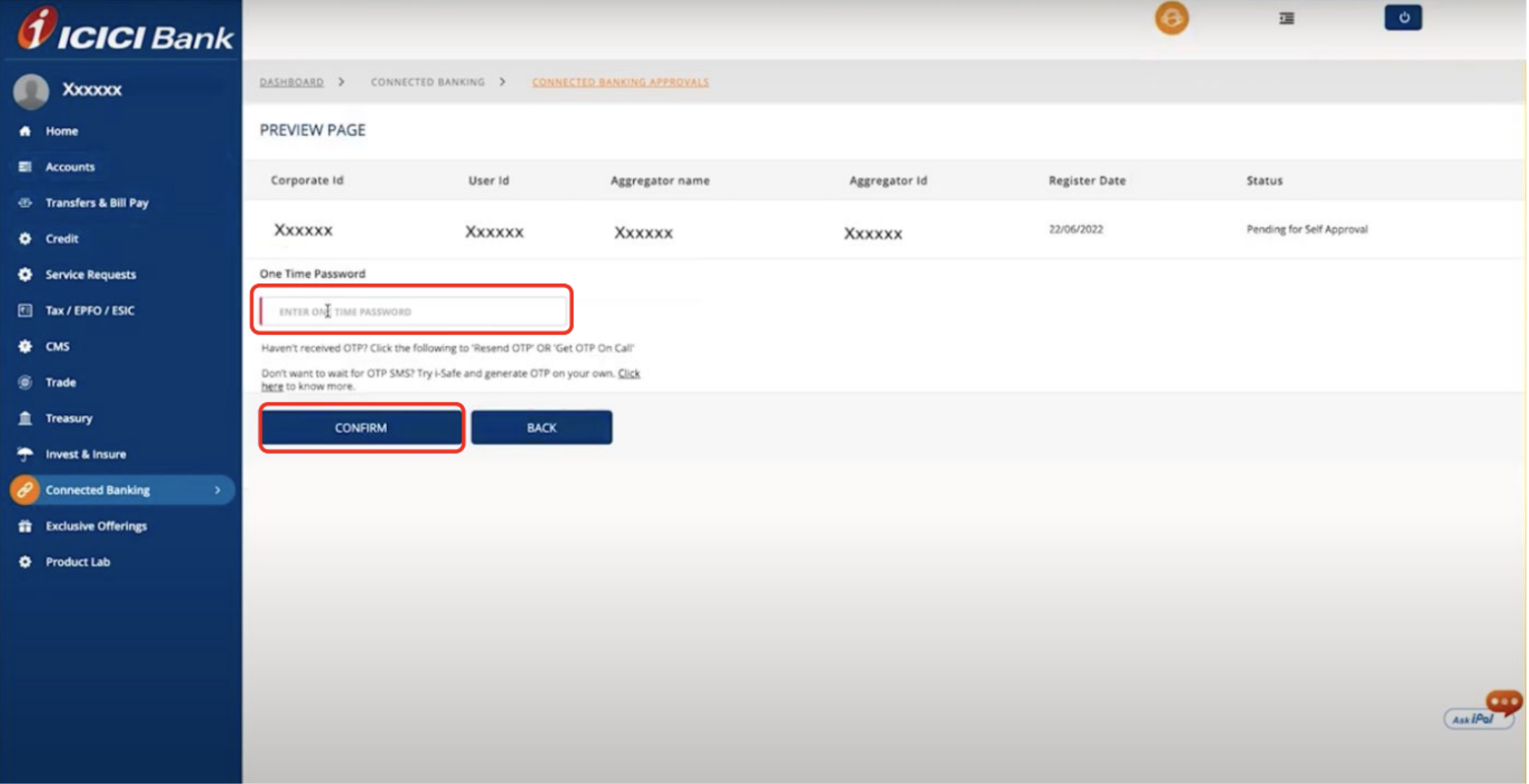
During the linking process, users will be redirected to the ICICI CIB portal. There, they must authorize the linking request initiated from Open. This ensures that the integration is approved only by verified users.
Step 12: Successful Linking and Activation
Once authorization is completed in the ICICI CIB portal:
-
The account is immediately linked to Open
-
The user can begin performing Connected Banking actions such as:
- Viewing real-time account balances
- Fetching bank statements
- Initiating payments
Summary of Responsibilities
| Stage | Description | Owner |
|---|---|---|
| 1–3 | Documentation & Setup Sheet Completion | Company + Open |
| 4–5 | SSL Certificate & Bank Approval | Company + ICICI |
| 6–8 | UAT & Production Enablement | Open + ICICI |
| 9–12 | Linking & Activation | End User + Open |
Once all steps are completed, your ICICI Bank account will be securely connected with the Open platform, enabling API-driven banking operations such as real-time balance checks, statement retrieval, and payments from a single interface.
Updated 2 months ago