
Beneficiary Addition [Axis Bank]
The Beneficiary Addition API allows ERP systems to add beneficiaries for fund transfers. Note that adding a beneficiary is mandatory for AXIS Bank accounts, while it is Not Required for other banks.
Workflow:
-
Initiate Beneficiary Addition:
- ERP calls the
Add New BeneficiaryAPI with the merchant’s username (email ID or mobile number) and the beneficiary’s bank account/vendor details. - Open validates the username and returns a redirect URL with a one-time session token.
- ERP calls the
-
User Authentication:
- ERP redirects the user to the provided URL.
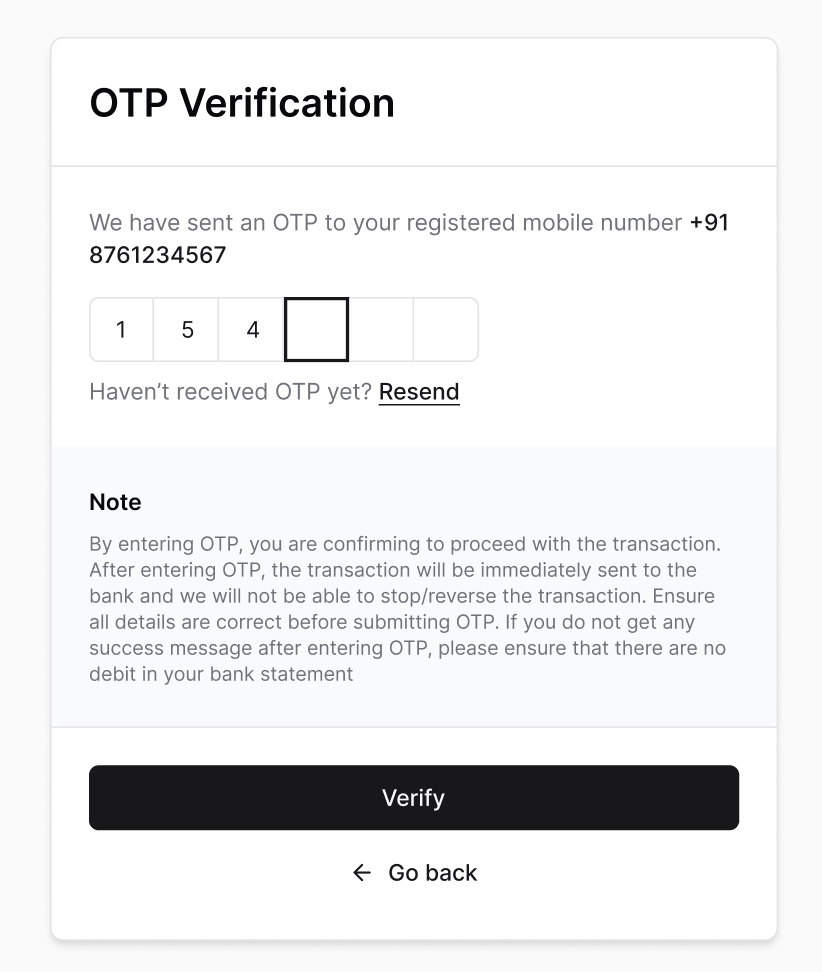
- The user completes the 2FA OTP verification sent by the bank to add the beneficiary.
-
Activation Period (for AXIS Bank only):
- AXIS Bank beneficiaries have a 30-minute cooling period before they can receive fund transfers.
-
Completion & Status:
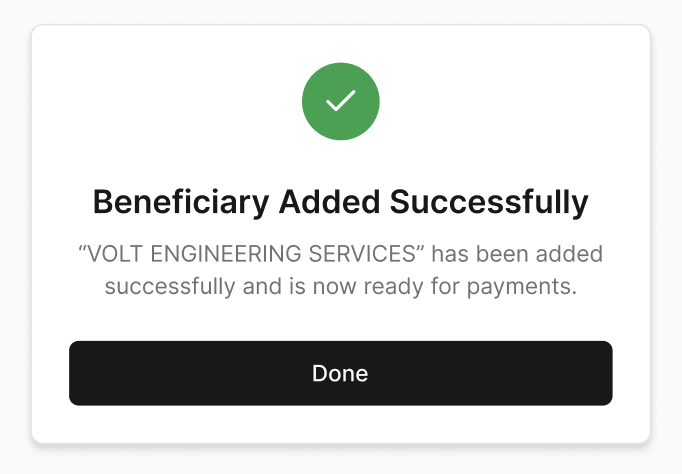
- After the process, the user is redirected back to the ERP’s redirect URL.
- ERP can check the status of a single beneficiary using the
Bene StatusAPI with thebene_ref_idprovided during the addition request. - Multiple beneficiaries’ statuses can be retrieved in a single API call by passing multiple
bene_ref_ids in the request body.
-
Webhook Notification:
- Open triggers a webhook to the ERP’s configured endpoint with the event type
beneficiary_additionand the beneficiary status once the addition is successful.
- Open triggers a webhook to the ERP’s configured endpoint with the event type
Beneficiary Addition Flow
- OTP Validation
- Beneficiary Addition Confirmation
Updated 2 months ago
Did this page help you?